Start with a practical light
Open into a natural soft light. Swipe for brightness and presets, then fine-tune the color, simulated temperature and tint.

LumaMe
Screen light & camera
Find a softer light for your next selfie, portrait or vlog. LumaMe combines an adjustable screen softbox with a camera, so you can choose a lighting look and capture the moment in one place.
iPhone · iPadFree download · Optional Pro purchases
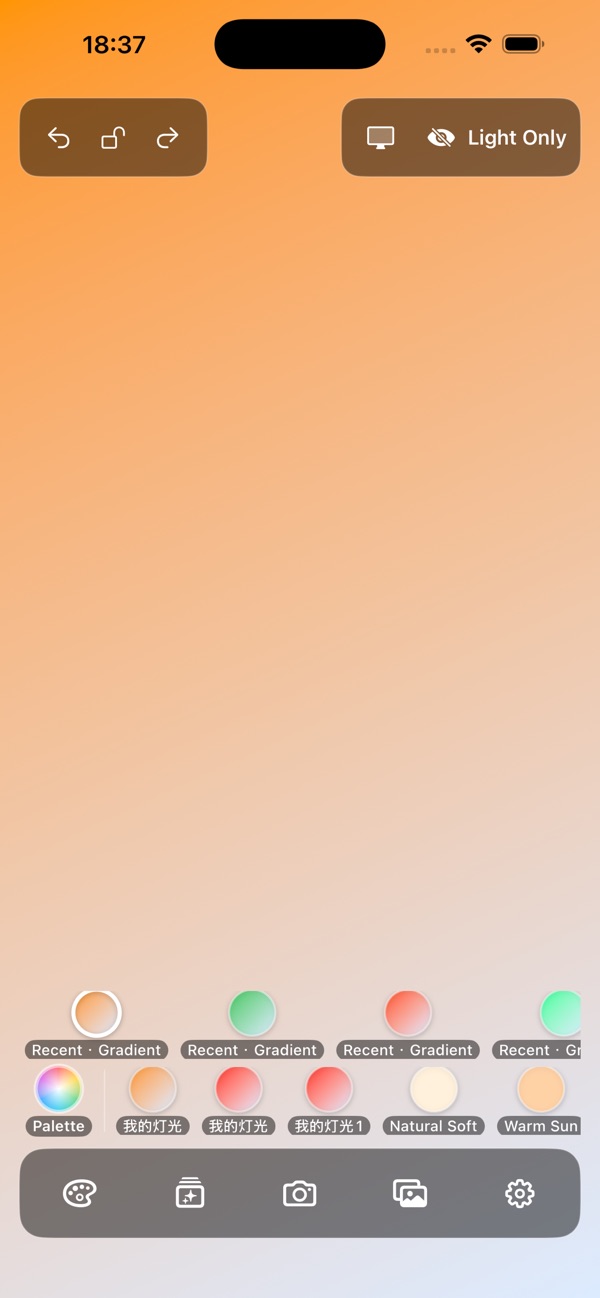
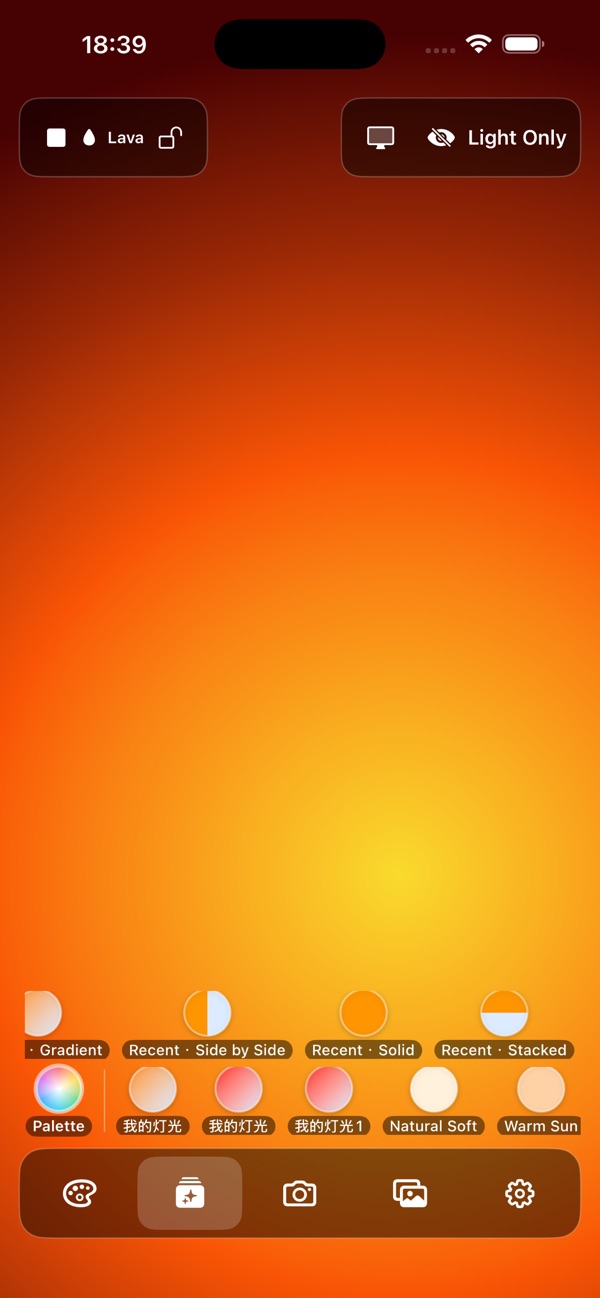
Real app screenshots from the App Store.
Made for the way you work
Open into a natural soft light. Swipe for brightness and presets, then fine-tune the color, simulated temperature and tint.
Use side-by-side or stacked two-color layouts with an adjustable split. Save lighting looks; Pro adds linear and radial gradients and unlimited saved presets.
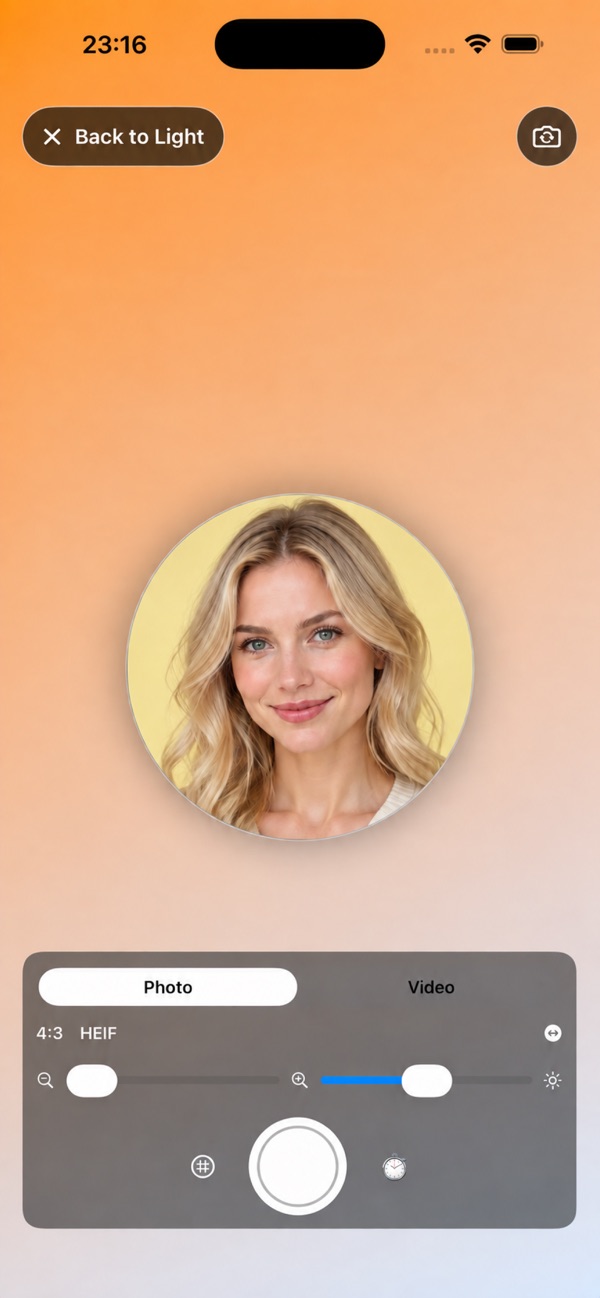
Compose with the front or rear camera, tap to focus and adjust exposure. Capture photos or video, then review the originals in the app's private local library.
In the app
Official App Store previews.
Layouts may vary by device and version.
Getting started
Start with what you have. Make the choices that fit your task.
Open the light panel and choose a look such as Natural Soft or Warm Sun. Swipe left or right on the light to switch presets.
Swipe up or down on the light to adjust screen brightness. Tap to show or hide controls, and touch and hold the light to toggle the control lock.
Position the device as a screen light, or open Camera to take a photo or video. Captures go to LumaMe's local library before any optional copy to Photos.
A place in your day
Add a screen fill light when the available light needs a little help.
Prepare a lighting look with a device you already have.
Use a second iPhone or iPad as a nearby light source.
Good to know
Media is saved in the private local library first. Copy it to Photos when you choose. Recently Deleted retains items for seven days.
Essential screen light, split lighting, photos and 720p/1080p video are free. Pro adds gradients, more saved presets and supported 4K or higher-frame-rate recording. Display lighting results vary by device and ambient light.
Questions, answered
Yes. Open the screen light without using the camera, including on a second device beside your subject.
The color temperature is simulated by the display. The result depends on your screen and the surrounding light.
Originals are stored locally in LumaMe. A copy is sent to the system Photos library only when you choose that destination.
The free version includes ads, which may process device, interaction and diagnostic information. Pro is ad-free. See the privacy policy for details.
Practical guides
LumaMe
iPhone · iPad