Record or bring your own files
Record in the app or import audio and video from Files, Photos, Voice Memos and Share. Optional noise reduction helps prepare the recording for transcription.
VoiceFolio
Transcription & notes
A recording is only the beginning. VoiceFolio gives you a searchable, timestamped transcript, then helps you turn conversations into summaries, action items and mind maps you can return to.
iPhone · MacFree download · Optional Pro purchases
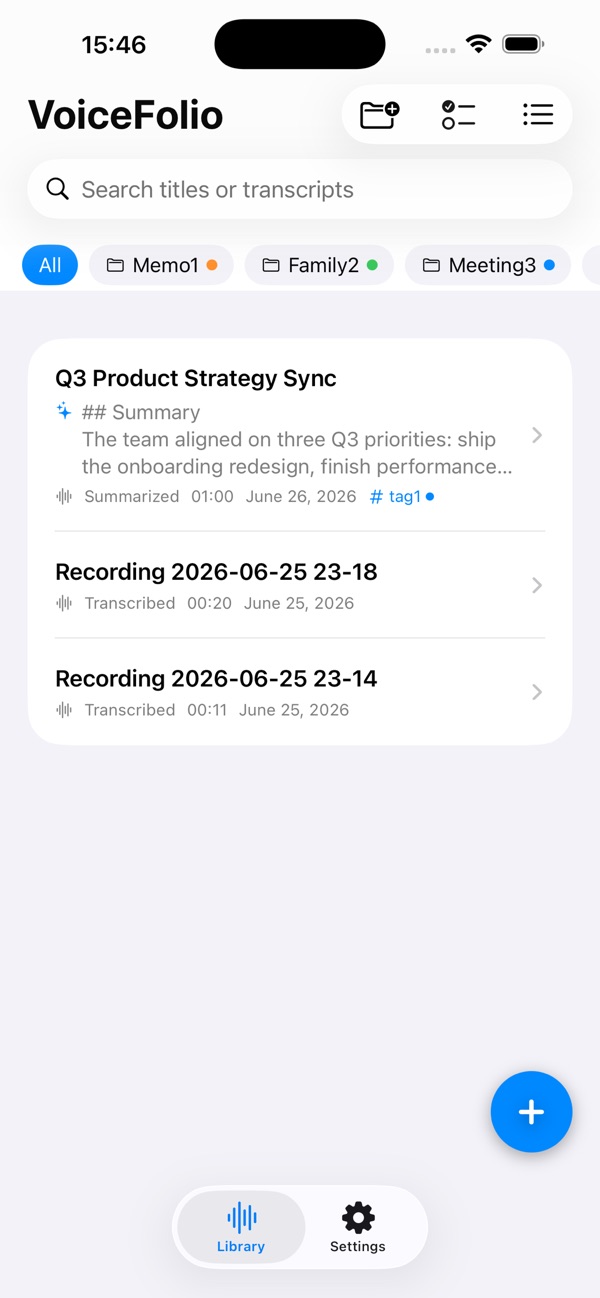
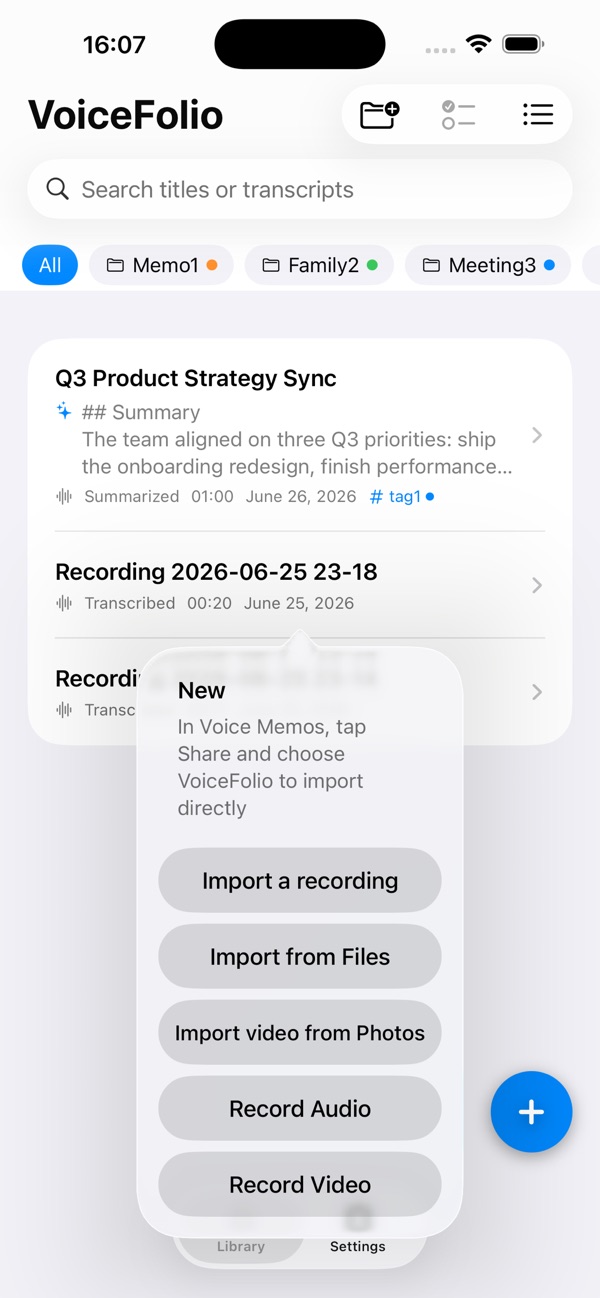
Real app screenshots from the App Store.
Made for the way you work
Record in the app or import audio and video from Files, Photos, Voice Memos and Share. Optional noise reduction helps prepare the recording for transcription.
Search and edit your transcript, then tap a sentence to return to that point in playback. Transcribe offline once a suitable model is ready.
Create summaries, action items and mind maps. Use built-in templates or your own prompts to organize, polish and rewrite text.
In the app
Official App Store previews.
Layouts may vary by device and version.
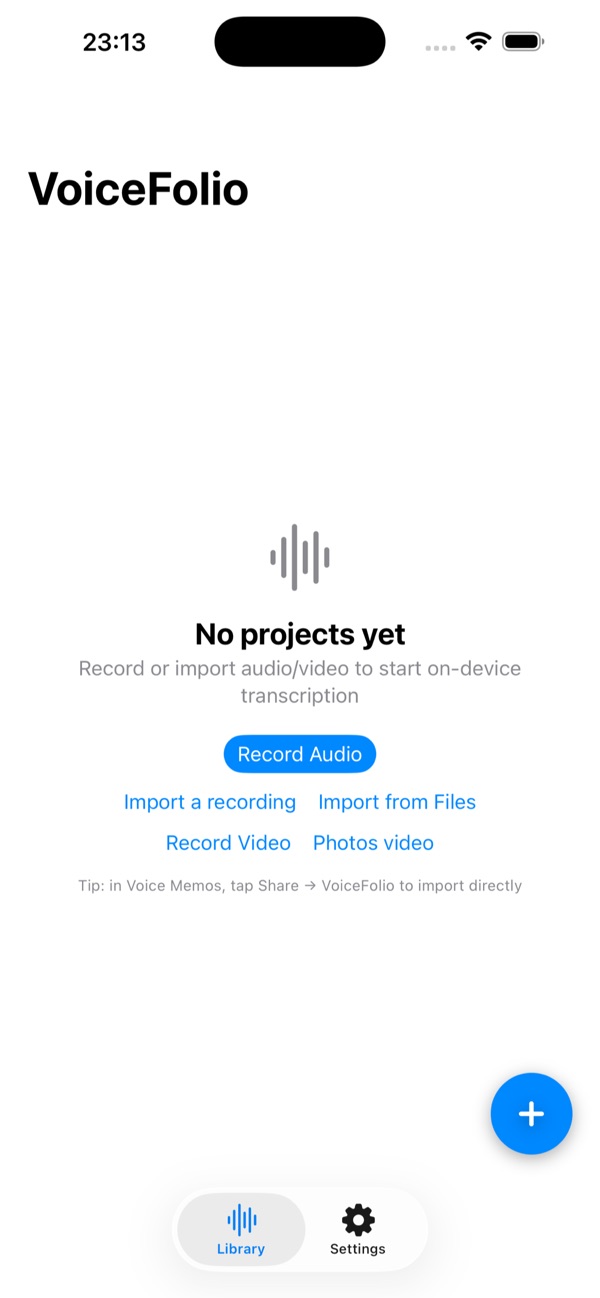
Getting started
Start with what you have. Make the choices that fit your task.
Record in the app, import a recording from Files or Photos, or share a Voice Memos recording to VoiceFolio.
Prepare the transcription model, then review and correct the timestamped transcript. Local transcription can work offline once the model is ready.
Search the transcript and return to a moment in playback. Optionally create AI summaries or action items, then choose an export format. Cloud AI requires your own key and connection.
A place in your day
Return to decisions, key phrases and follow-up tasks.
Turn a lecture recording into searchable material and a visual outline.
Study spoken content in videos you have saved yourself and develop new scripts from the transcript.
Good to know
Media transcription runs on your device. Local AI models are downloaded separately and depend on device resources; local AI on iPhone is experimental. Cloud AI requires your own API key and internet connection.
The free version includes transcription allowances and limited projects. Pro expands transcription, batch operations and projects, and adds features including live captions, speaker separation and PDF export.
Questions, answered
No. Import files you have saved or downloaded yourself. VoiceFolio analyzes their spoken content through transcription.
Yes, once your transcription model is ready. Model downloads require a connection. Optional cloud AI features require an internet connection and your own provider key.
VoiceFolio supports plain text, Markdown, SRT, WebVTT, RTF and PDF. PDF export requires Pro. Bilingual subtitle export is available when a translation exists.
Only the text you select is sent to your configured provider. You supply the API key, and that provider bills for its usage.
VoiceFolio
iPhone · Mac