A script that waits for you
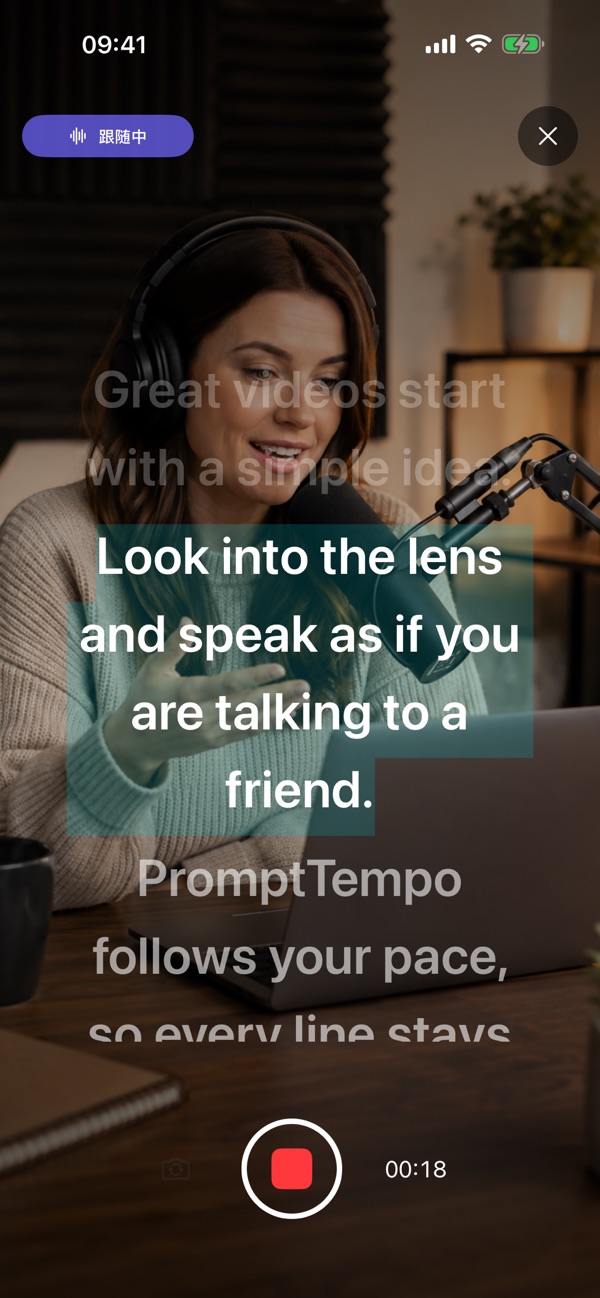
Voice Follow advances with your actual reading progress. Repeat, correct or go off script, then use the follow status and recovery controls to find your place.
PromptTempo
Teleprompter & recording
Take a breath without losing your place. PromptTempo follows your reading progress, holds the script when you pause, and helps you return after an ad-lib. Prepare your words and record a take in the same workflow.
iPhone · iPad · MacFree download · Optional Pro purchases
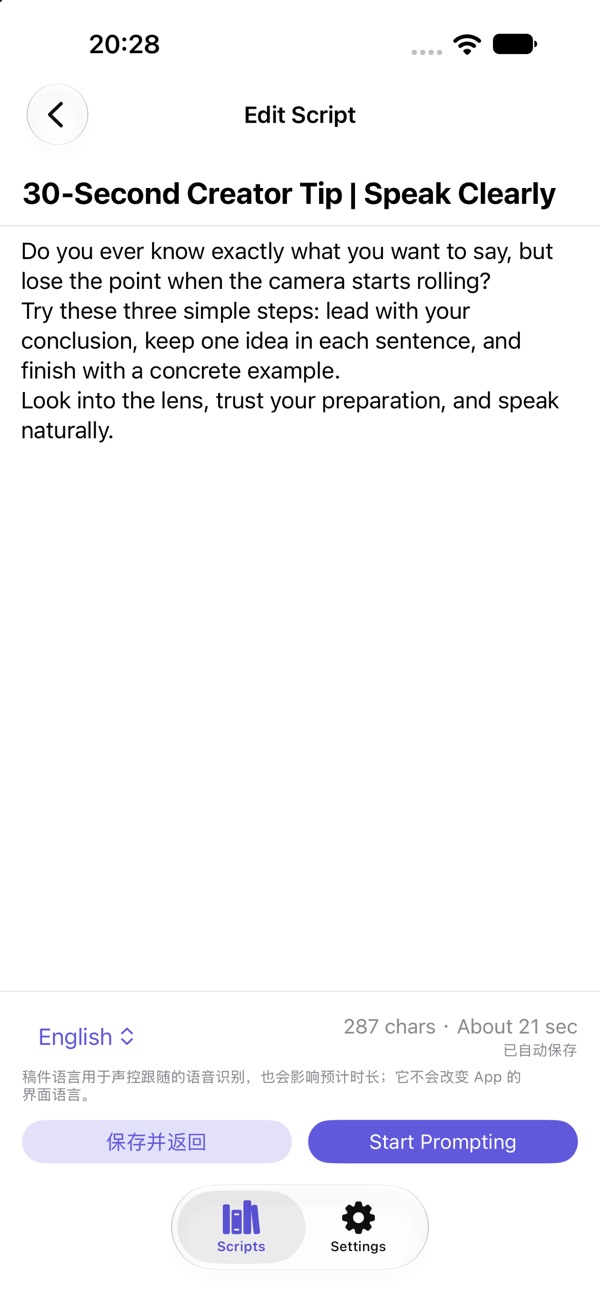
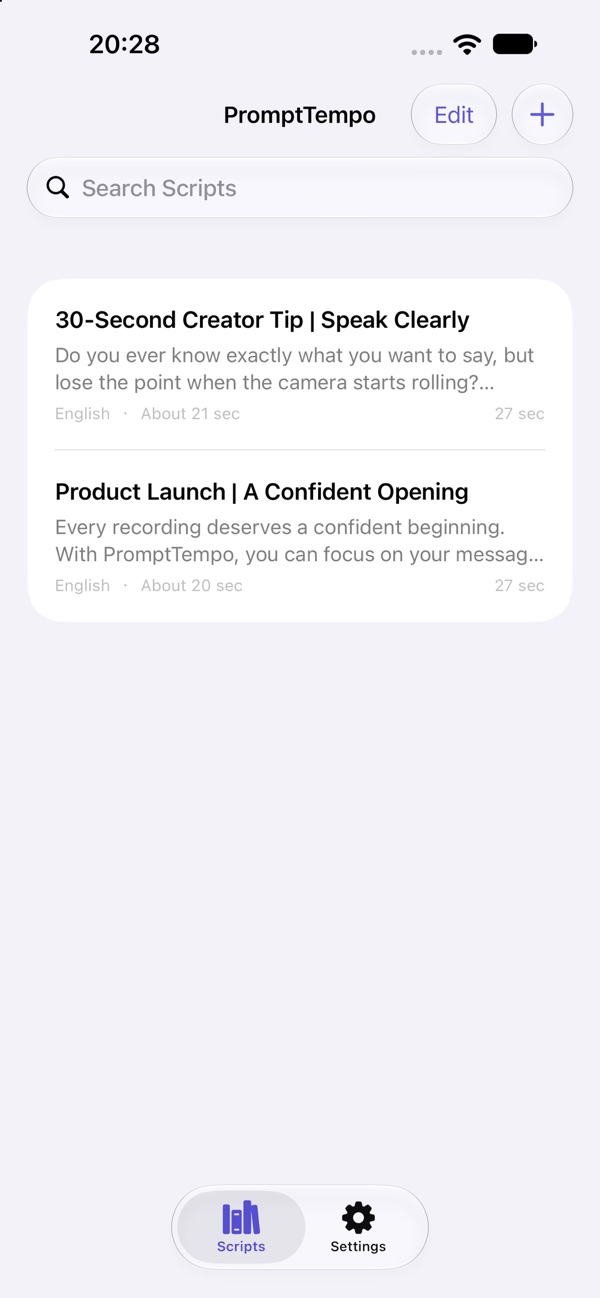
Real app screenshots from the App Store.
Made for the way you work
Voice Follow advances with your actual reading progress. Repeat, correct or go off script, then use the follow status and recovery controls to find your place.
Switch between Voice Follow, a fixed scroll speed and manual prompting. Adjust text size, spacing, margins, focus position and contrast.
On iPhone or iPad, record with the front or rear camera, choose a countdown and layout, then preview, retake, save or share without a watermark.
In the app
Official App Store previews.
Layouts may vary by device and version.
Getting started
Start with what you have. Make the choices that fit your task.
Prepare the text, choose the script language and adjust the reading layout.
Use Voice Follow for reading-progress control, Fixed Speed for steady scrolling, or Manual for direct control without speech recognition.
On iPhone or iPad, select a camera layout, record while reading, and review the take before saving or sharing. Recordings remain watermark-free.
A place in your day
Keep the structure of a script while leaving room to speak naturally.
Keep explanations organized while recording or rehearsing.
Revisit difficult lines at your own pace, without a timer running away from you.
Good to know
Use built-in offline Whisper or Apple on-device recognition. Available languages and response depend on the engine, model and device. Manual and fixed-speed prompting do not need speech recognition.
Manual prompting and script creation remain unlimited. Try voice follow and recording with free allowances; Pro removes ads and unlocks unlimited use. Camera features described here are for iPhone and iPad.
Questions, answered
Voice Follow tracks your reading progress rather than a timer. It holds your place when you pause and offers recovery controls when you return after an ad-lib.
Yes. Fixed Speed and Manual modes do not require speech recognition.
No. Recordings and exports are watermark-free.
Voice Follow recordings can export script-based SRT subtitles when reliable timing is available. This uses the script and recording timing.
PromptTempo
iPhone · iPad · Mac